
Claim a short address
Replace your app's automatic address with a short, memorable name of your own.
Every app gets an address automatically, built from the app's name. If you want something shorter or easier to say out loud, you can choose your own name in front of apphandle.com instead. AppHandle calls this the app's subdomain.
What a subdomain looks like
Your name sits in front of the platform domain: your-name.apphandle.com. The name must follow a few rules:
- Lowercase letters, numbers, and dashes only.
- It must start and end with a letter or a number.
- Up to 63 characters.
- Names AppHandle keeps for itself are refused.
Names are unique across AppHandle, so a name someone already holds cannot be taken by anyone else.
Choose a subdomain
- Open the app, select Open Session, then select Settings → Publish.
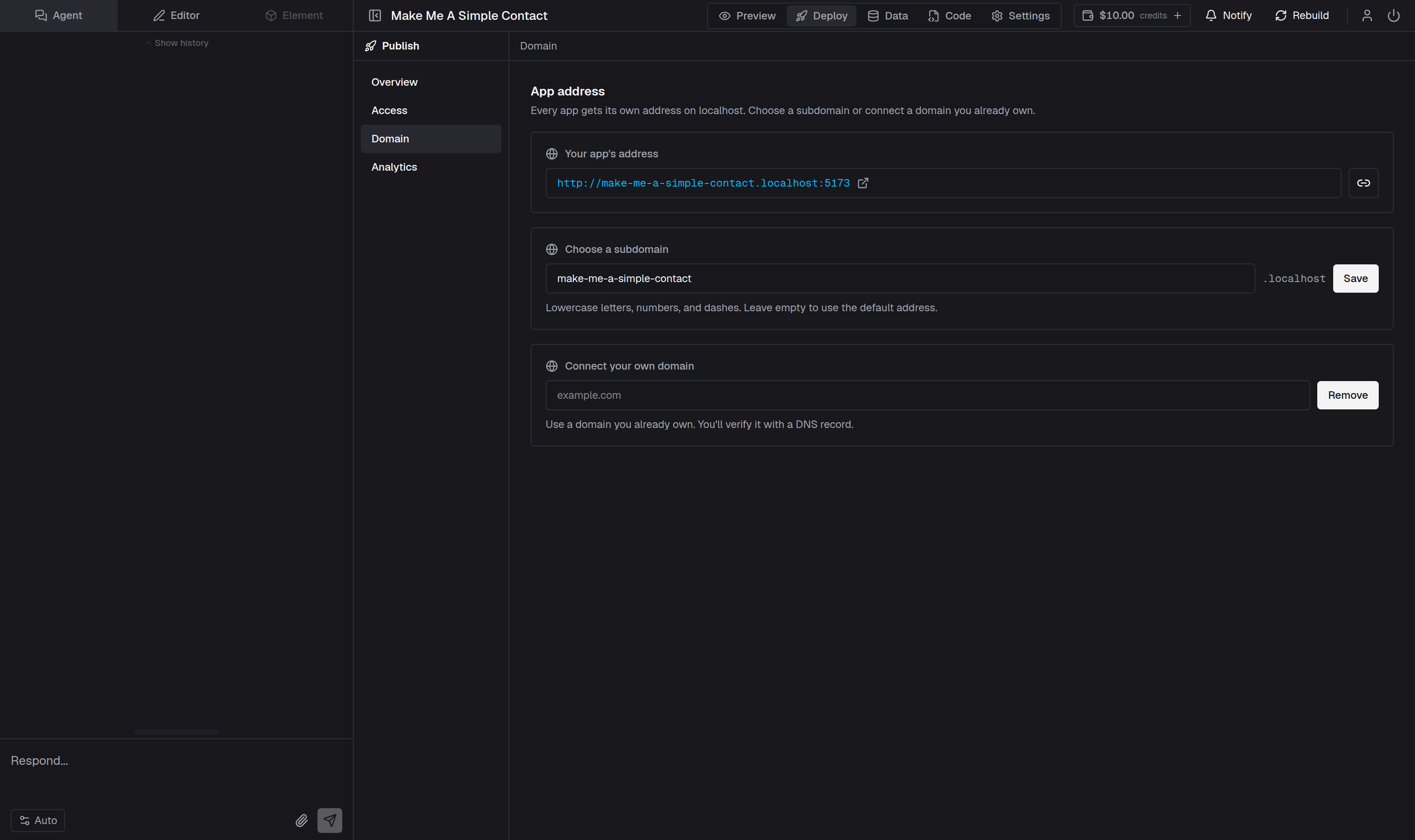
- Under Choose a subdomain, type the name you want.
- AppHandle checks it as you type. You see Available, or That name is already taken.
- Select Save.
The Choose a subdomain field then shows the new name, with a short Saved confirmation underneath. The helper text under the field reminds you of the rules.
What happens to the old address
Choosing a new subdomain replaces the old one. The address you had before stops serving straight away, and links you have already sent stop opening — there is no redirect from the old name to the new one.
Two addresses serve the app: the subdomain you hold now, and an address built from the app's id, which always works. The id address is a long string of letters, numbers, and dashes in front of apphandle.com, and it is what App Link shows while no subdomain is set.
If you want to remove a subdomain rather than replace it, clear the field and select Remove. The app goes back to its id address, and the name you released is free for anyone else to claim immediately. Only hold a name you intend to keep.
Before visitors can use it
A subdomain is reserved as soon as you save it, but the app still has to be published. Until the first publish, the address opens a page saying the app is not live yet. See Publish your app.
If you own a domain already
You can serve your app on a domain you own instead of an AppHandle address. See Connect your own domain.